KrispCall
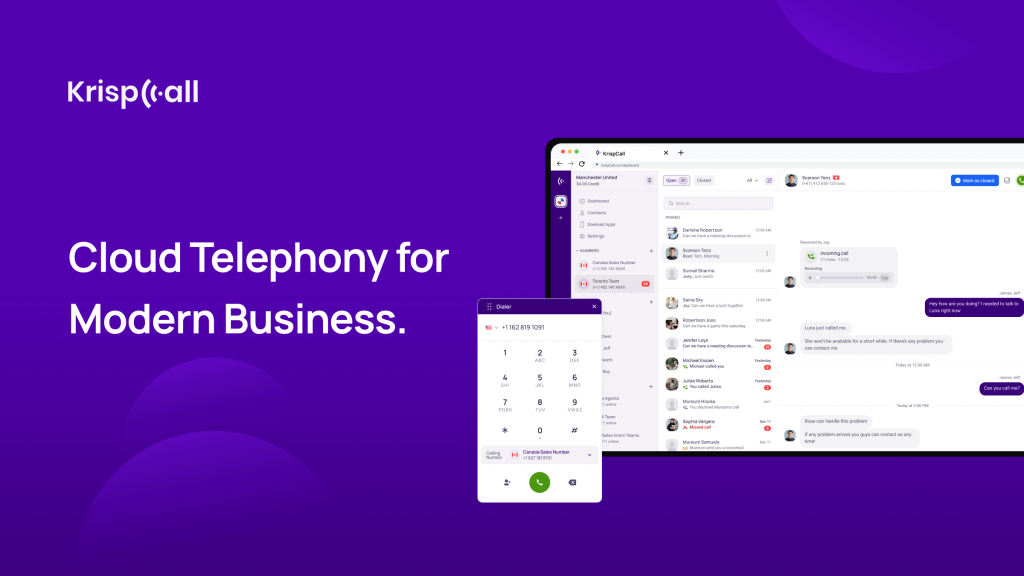
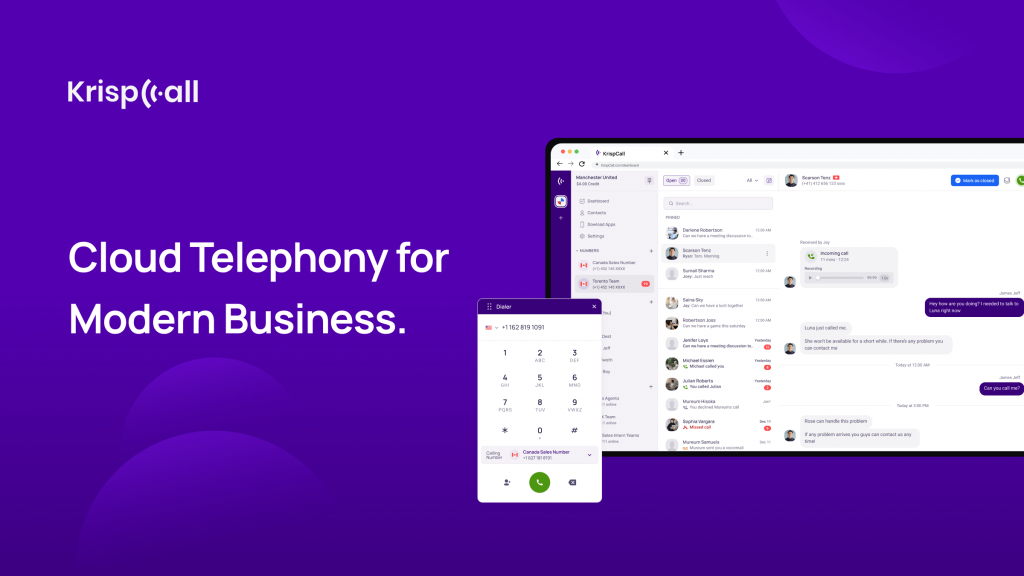
A virtual cloud phone system that offers reliable telephony service for modern business. Send/receive SMS, VoIP calls to international & local numbers from single app.
Description
KrispCall enhances your Salesloft experience by integrating call logging, note syncing, and contact management. Perfect for teams looking to streamline their communication processes, KrispCall ensures all your call data is efficiently organized within Salesloft.
Integration Features:
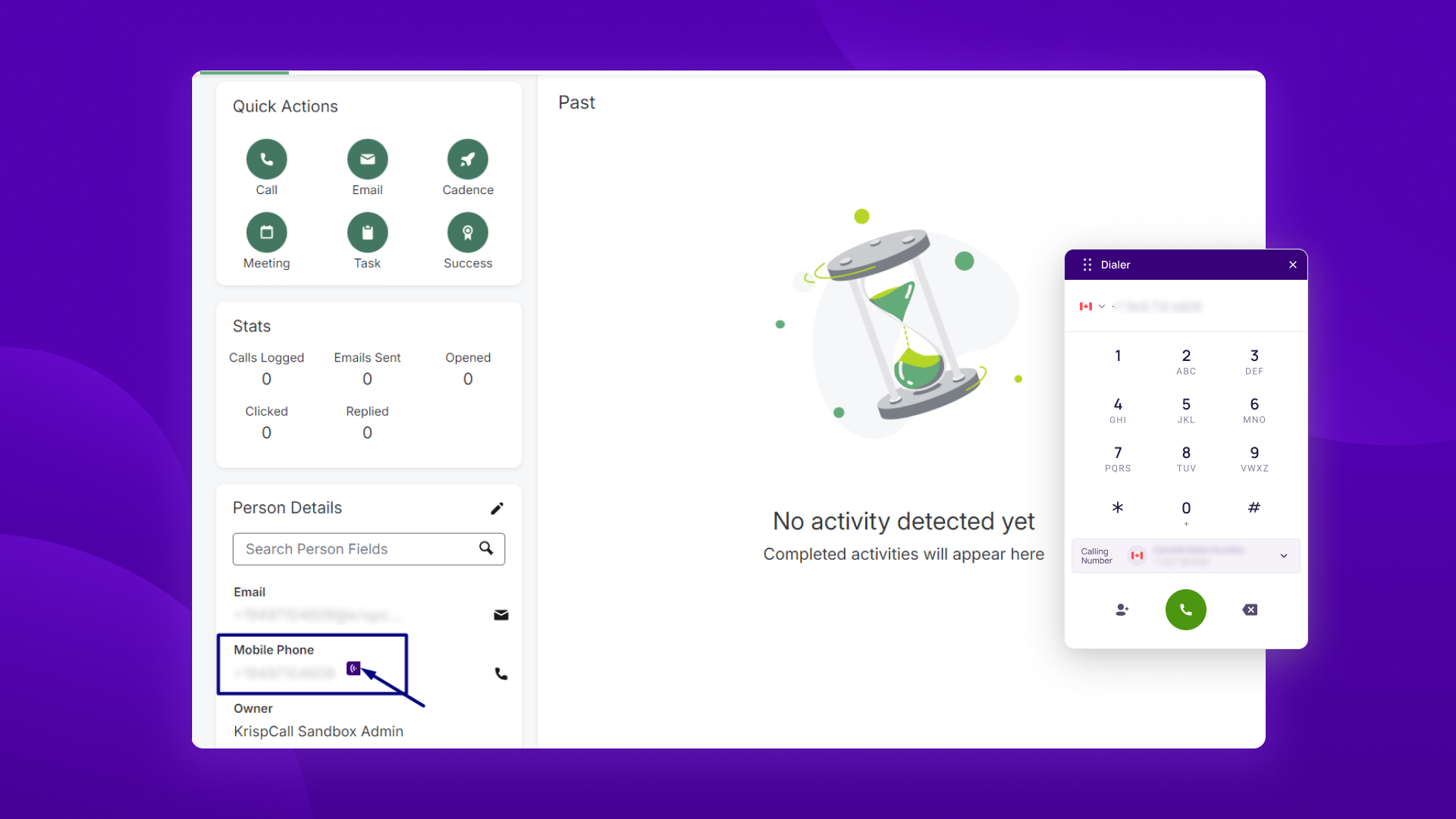
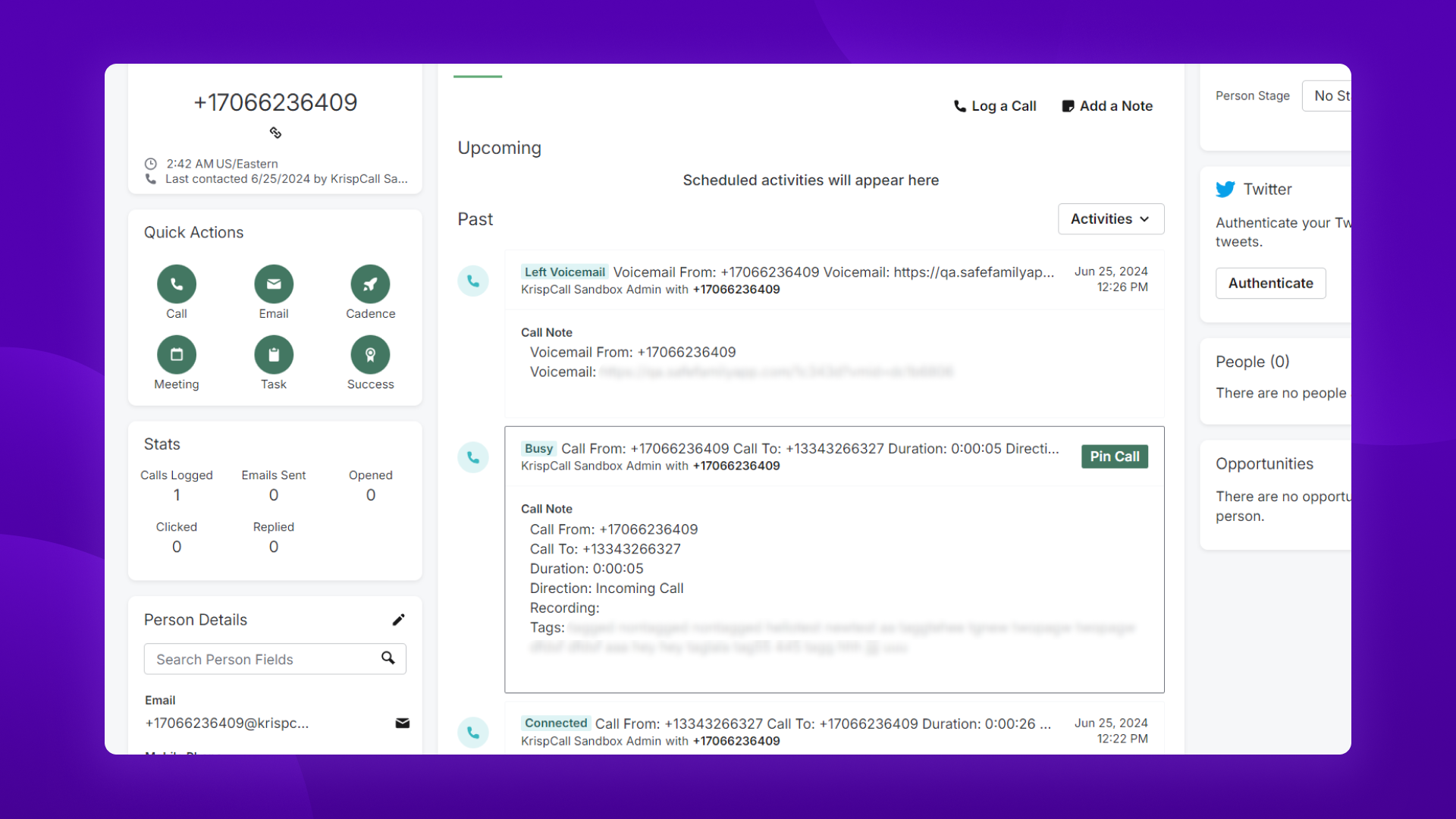
- Click to Call & Call Logging: Make and log incoming/outgoing calls, voicemails & recordings directly in Salesloft.
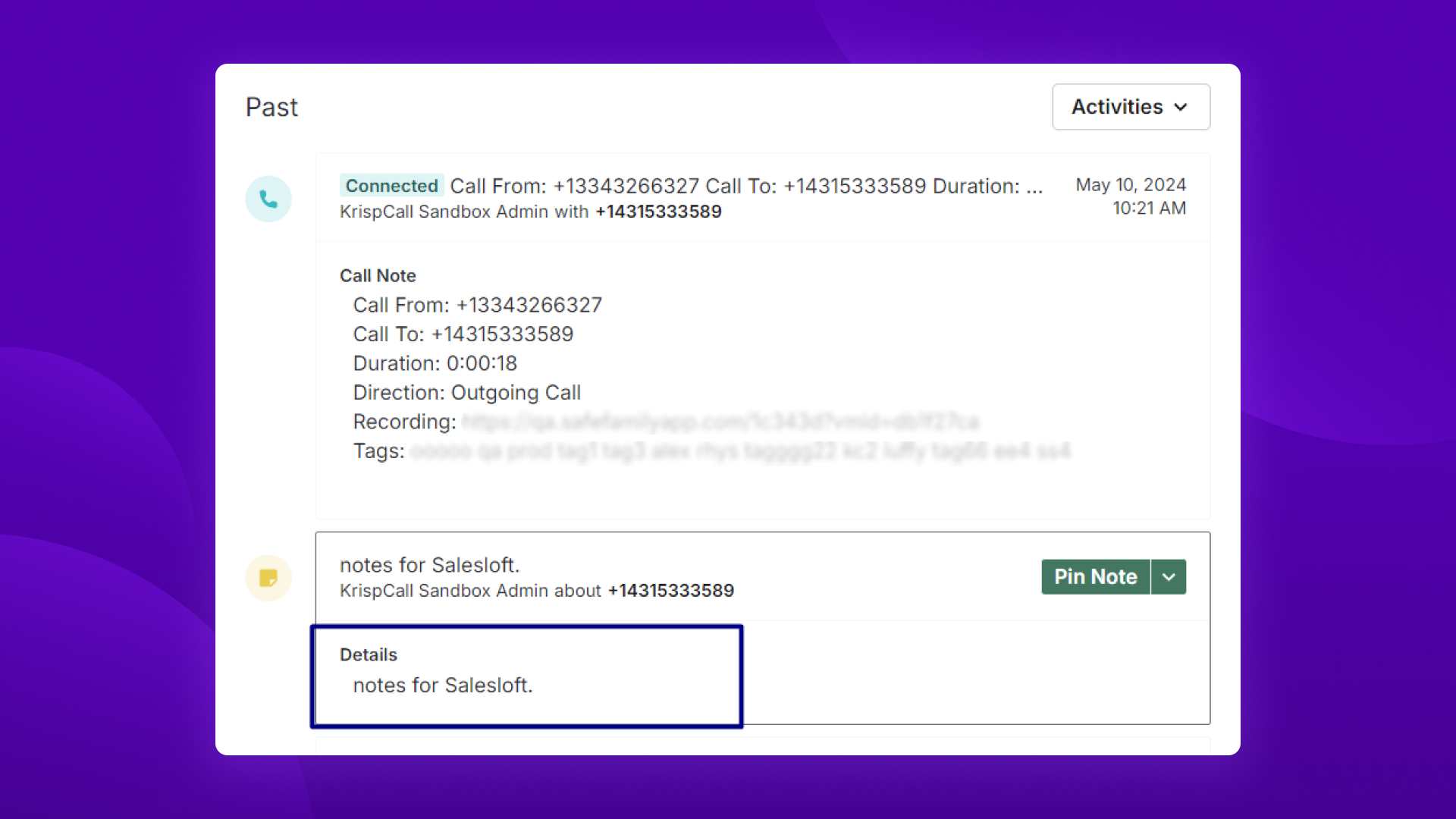
- Notes Sync: Sync notes taken during calls and save them in Salesloft.
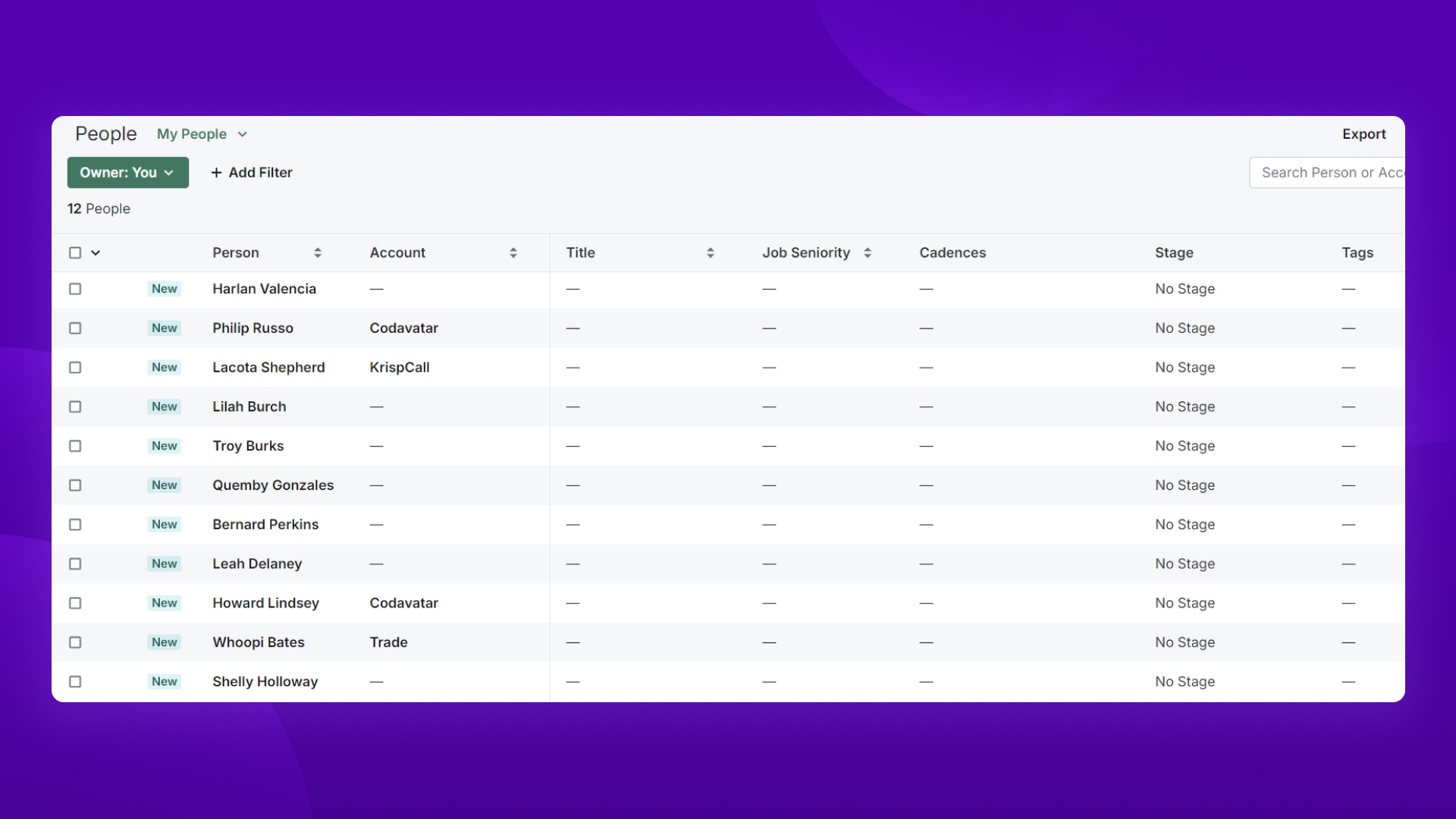
- Contact Sync: Sync contacts between KrispCall and Salesloft, including one-way, two-way, and bulk sync options.
- Call Integration: Make and receive calls using the Salesloft interface, with features for call transfer and adding notes/tags.
In addition to these features, KrispCall provides a full range of telephony, making it easier for your team to handle tasks. With KrispCall, you can leverage contact center software solutions, obtain global numbers from 100+ countries, utilize multilevel IVR, and benefit from advanced features like call coaching & so on. Ensure your team stays connected and productive with KrispCall's robust and reliable services.
Key benefits
- Click to Call & Call Logging: Make and log incoming/outgoing calls, voicemails & recordings directly in Salesloft.
- Notes Sync: Sync notes taken during calls and save them in Salesloft.
- Contact Sync: Sync contacts between KrispCall and Salesloft, including one-way, two-way, and bulk sync options.
- Call Integration: Make and receive calls using the Salesloft interface, with features for call transfer and adding notes/tags.
Note: Please note that in order to enable click-to-call functionality, it’s necessary to install the KrispCall Dialer extension on your browser. You can conveniently locate and install the extension by following this link.
How It Works
Saves time with click-to-call functionality
Users can initiate calls with leads or contacts directly from within the Salesloft interface with just a single click. Agents don't need to switch between multiple applications or manually dial numbers, which saves time and eliminates potential errors.
Automatically log calls to never miss an interaction
All the call activities are automatically logged, including call duration, outcome, and any notes or follow-up tasks associated with the call. This ensures that all communication history is centrally stored and easily accessible for reference and analysis.
Access relevant information with caller identification
Displays caller information, like name and previous interactions, directly within the Salesloft interface whenever an agent receives an incoming call. This enables sales reps to personalize conversations quickly, improving engagement and relationship-building.
Get in-depth insights with analytics and reporting
Get insights into call performance metrics, such as call volume, duration, and conversion rates. Users can track the success of their calling efforts, identify trends, and make data-driven decisions to optimize their sales strategies.
Media
Setup
Step 1: Log in to your KrispCall account and navigate to Settings. If you do not have a KrispCall account, create one here.
Step 2: Click on Integrations in the Settings menu.
Step 3: As soon as you click Integrations, a new window opens displaying the list of business tools and the Salesloft CRM. Under Salesloft, you can click the Connect button to integrate KrispCall with Salesloft.
Step 4: In a new window, you will be asked to log in or register for a Salesloft account you want to integrate with KrispCall.
Step 5: Select the Salesloft account to connect with KrispCall and click on Choose Account. After choosing the account, the same account you selected will be integrated with KrispCall and you will be alerted about it.
Step 6: After the integration is complete, you'll see Salesloft under Active Integrations on the top section of the Integration page in the KrispCall app. Click on the Toggle Button to activate the integration if it’s not already active.
Step 7: Click on the three dots ( … ) and click “Edit”. Go to Connected Numbers tab and select numbers whose calls and activities you want to track on Salesloft. Make changes in Workflow Settings tab according to your team’s needs.